01
Correction Memory
Your vocabulary finally stays yours.
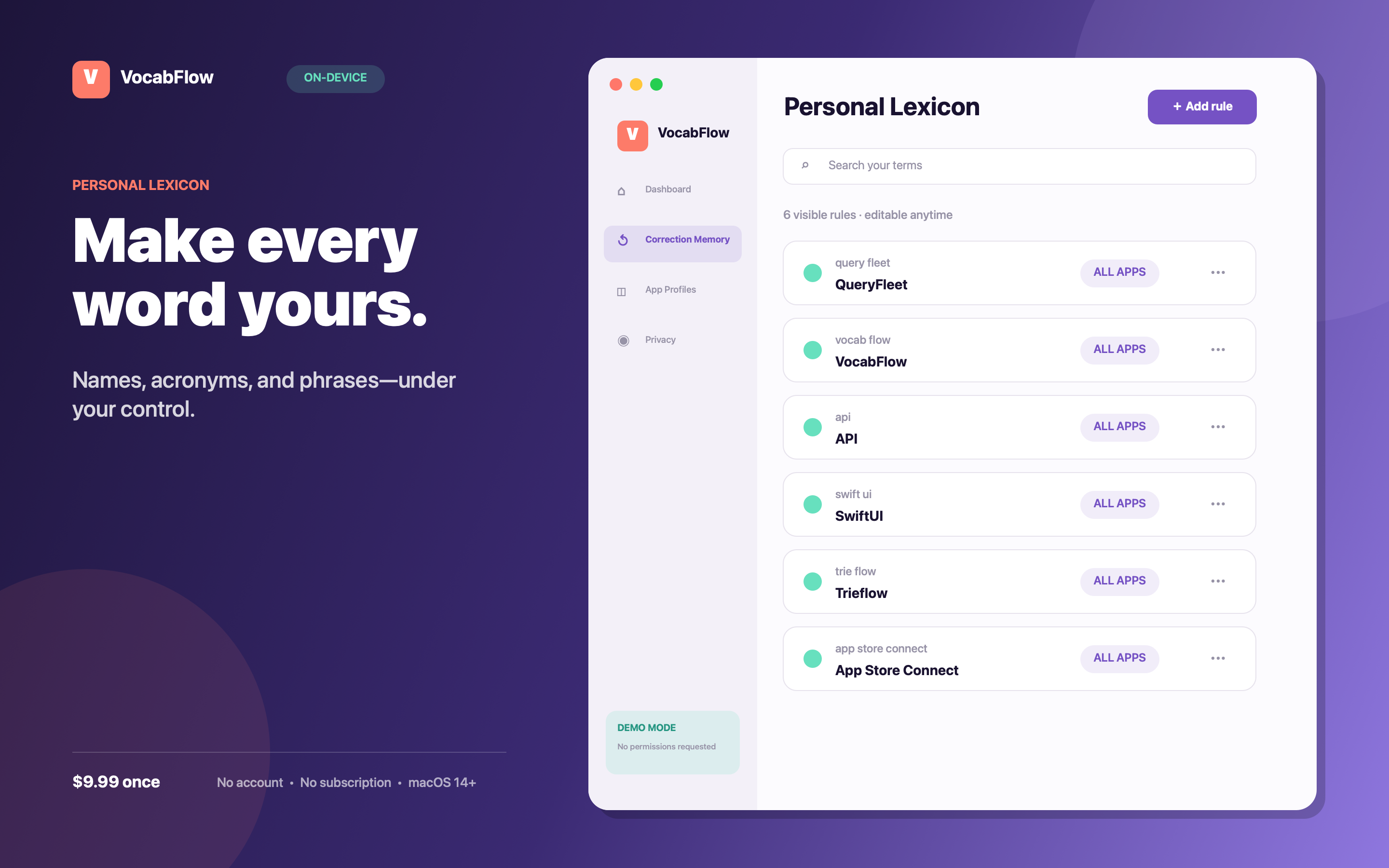
Teach an exact spelling, product name, acronym, or phrase once. Every rule stays visible, editable, scoped, and under your control.
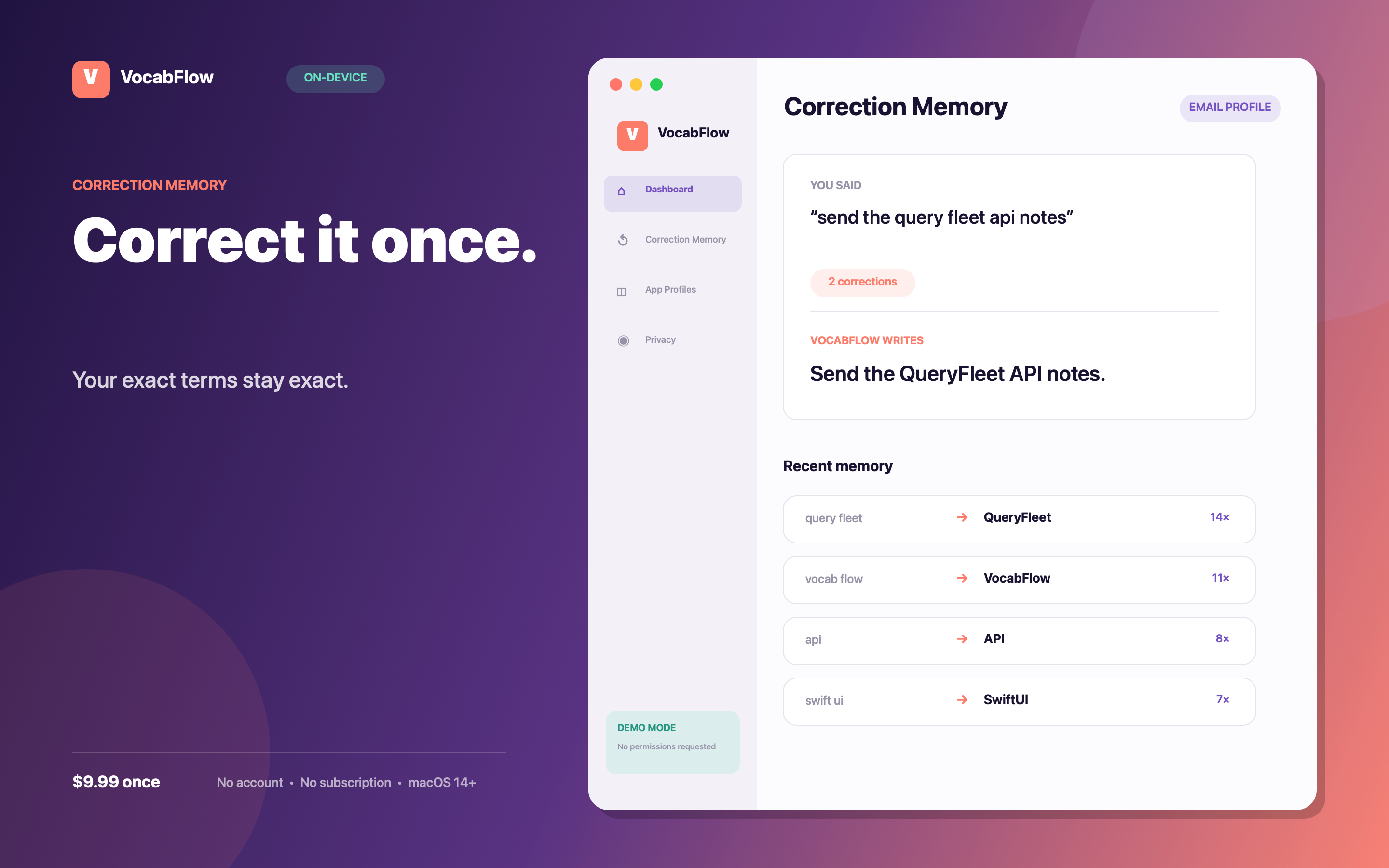
query fleet→QueryFleet
swift ui→SwiftUI
trie flow→Trieflow
Private, on-device Mac dictation
VocabFlow remembers the words you teach it and automatically uses the right writing style for every app—without sending your voice to a Trieflow server.
Coming to the Mac App Store · macOS 14+
 Correction MemoryOn device
YOU SAID
“Send the query fleet api notes”
VOCABFLOW WRITES
Send the QueryFleet API notes.
Two advantages you feel every day
Correction Memory
Teach an exact spelling, product name, acronym, or phrase once. Every rule stays visible, editable, scoped, and under your control.
Smart App Profiles
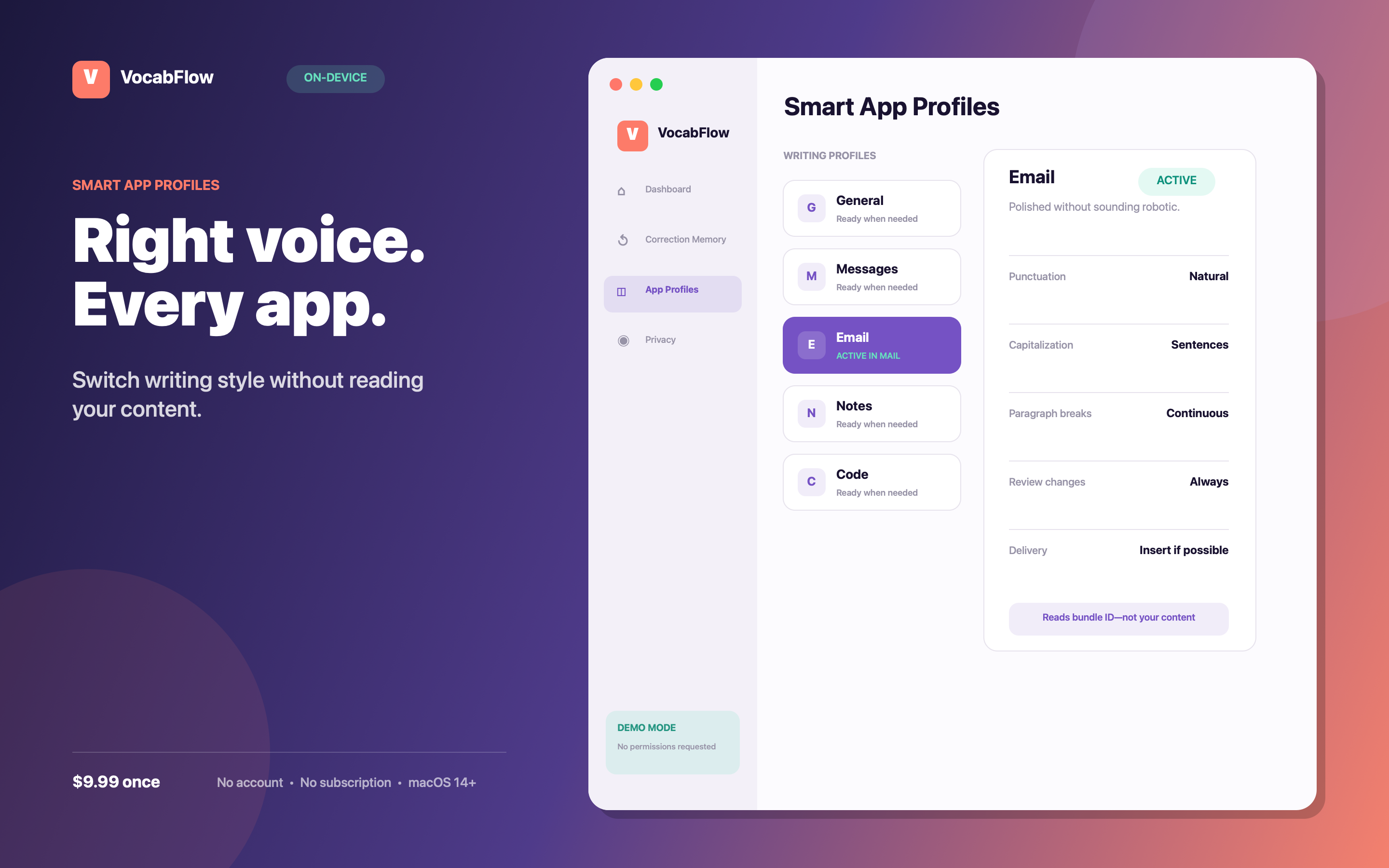
VocabFlow switches your chosen style using only the frontmost app's bundle identifier. It never reads your document or window title.
See the complete workflow
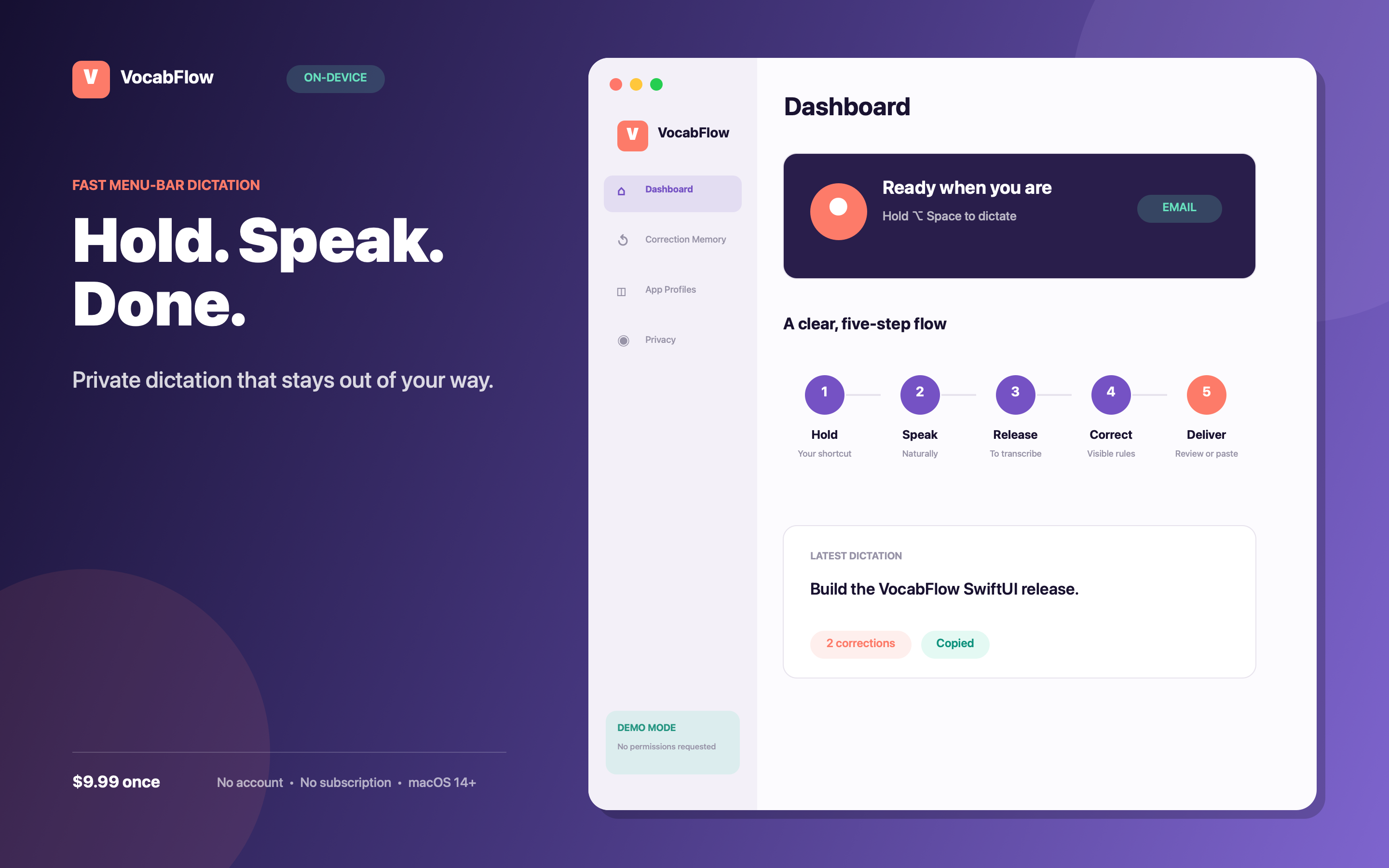
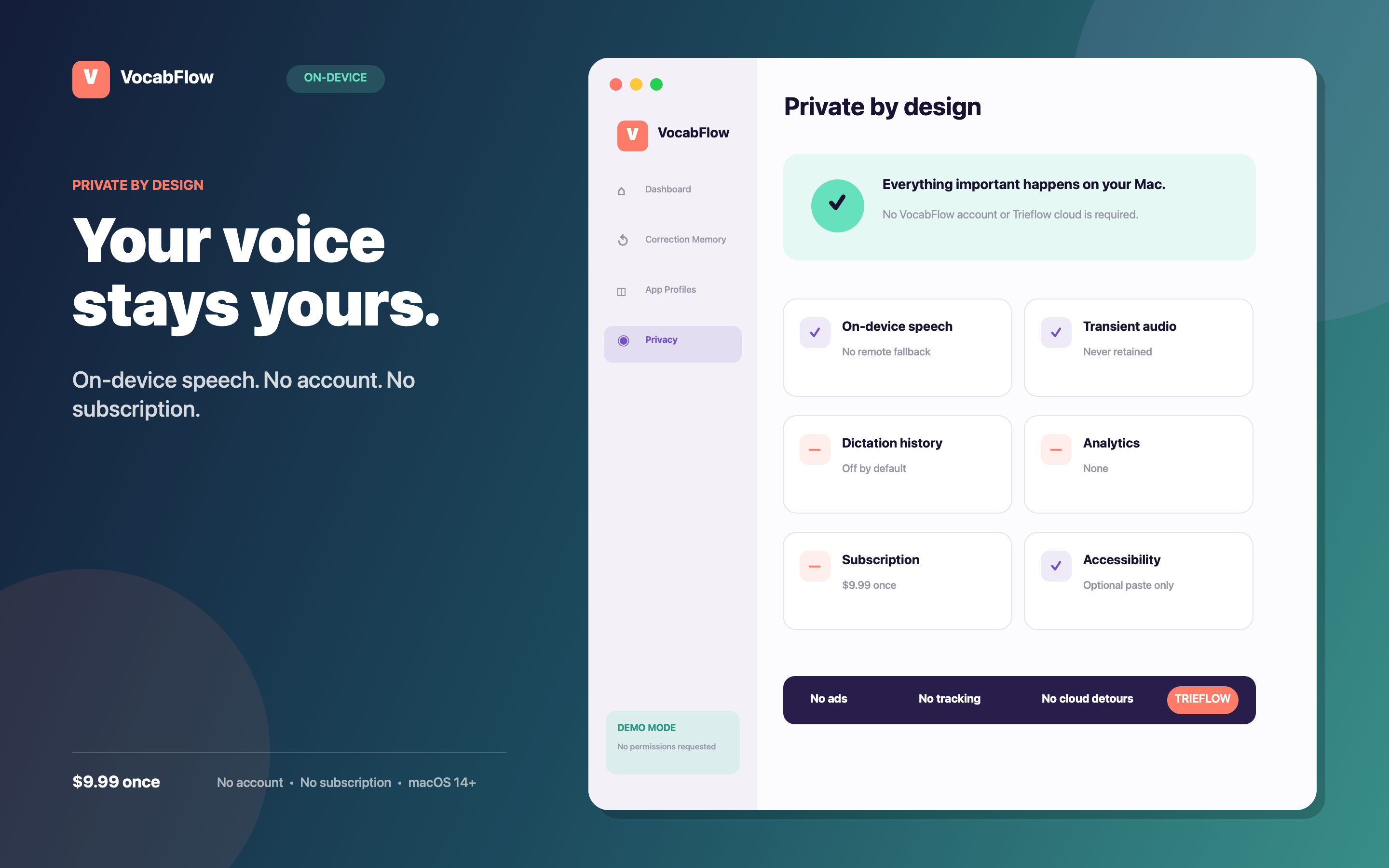
Hold. Speak. Done.
Private by design
VocabFlow 1.0 has no account, Trieflow cloud, analytics, ads, subscription, or in-app purchases. Dictation happens on your Mac.
Read the plain-English privacy policy →Unsupported local configurations fail closed. There is no remote fallback.
Audio exists only for the active dictation and is never retained.
Dictated text is not stored unless you explicitly enable local history.
Accessibility only pastes corrected text. Copy works without it.
Try before permissions
Explore realistic correction rules, five writing profiles, review states, and menu-bar capture. Every action is clearly simulated. Nothing records, inserts, or asks for permission.
Answers, not asterisks
No. VocabFlow uses Apple's on-device speech recognition, then applies explicit text replacement rules you control. Your rules remain separate from the speech model.
Your corrected text is already on the clipboard. Accessibility permission is optional and used only to trigger paste.
VocabFlow requires Apple on-device speech support for your selected language and Mac. If local recognition is unavailable, it stops instead of sending audio elsewhere.
No. VocabFlow is a one-time $9.99 Mac App Store purchase with no account or in-app purchase.
Coming to the Mac App Store
One private dictation tool. One-time $9.99 purchase. No subscription.
Get launch updates